VIP Registration Process
VIP Registration Process
Join BALL VIPs and list your properties for free.
- Visit the VIP Registration Page
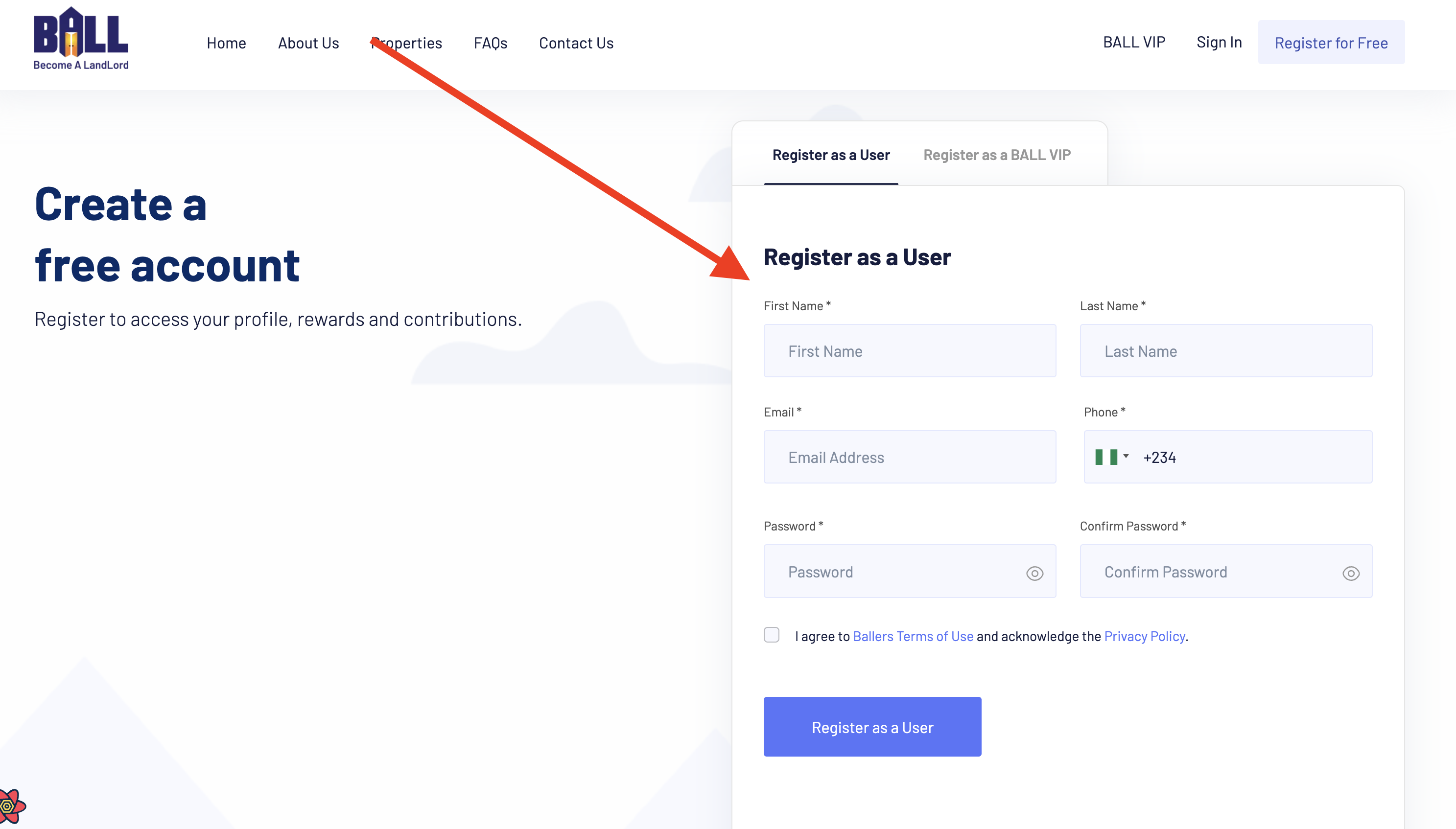
Go to the BALL VIPs registration page at ballers.ng/ball-vips/register to begin the registration process directly for sellers.
- Provide Your Information
Enter the required information for VIP registration, including:
- Company Name
- Email Address
- Password
- Phone Number (Optional)
- Property Details (For Sellers)
- Verify Your Email Address
Upon registration, a verification email will be sent to the provided email address. Click on the verification link in the email to confirm your email address and activate your BALL VIP account.
- Complete Your Profile
After email verification, you'll be prompted to complete your VIP profile. This may include providing additional details such as property details, location, size, amenities, and pricing.
- Agree to Terms and Conditions
Review and agree to BALL's Terms of Service and Privacy Policy to proceed with your VIP registration. These documents outline your rights and responsibilities as a BALL VIP member.
- Start Listing Your Properties!
Congratulations! Your BALL VIP account is now set up and ready to use. Log in to your account to start listing your properties for free, manage your listings, and connect with potential buyers.
Join BALL VIPs and list your properties for free.
BALL Docs covers all features of the platform, including property management, user accounts, VIP services, and support resources. Each page is written to help users complete tasks efficiently & successfully.
Users can find detailed instructions, example scenarios, and guidance on best practices to navigate the BALL platform, make informed decisions, and achieve homeownership goals in Nigeria.
This documentation is designed for homeowners, investors, and platform users seeking step-by-step tutorials, tips, and advice. By following these guides, users can optimize their use of BALL and stay informed about new features & updates.
Whether you are looking to manage your account, explore properties, or access support resources, this documentation provides the insights and instructions needed for a smooth and successful experience.