Understanding the VIP Dashboard
Understanding the VIP Dashboard
Explore your VIP Dashboard to access exclusive features, track progress, and manage your properties with BALL.
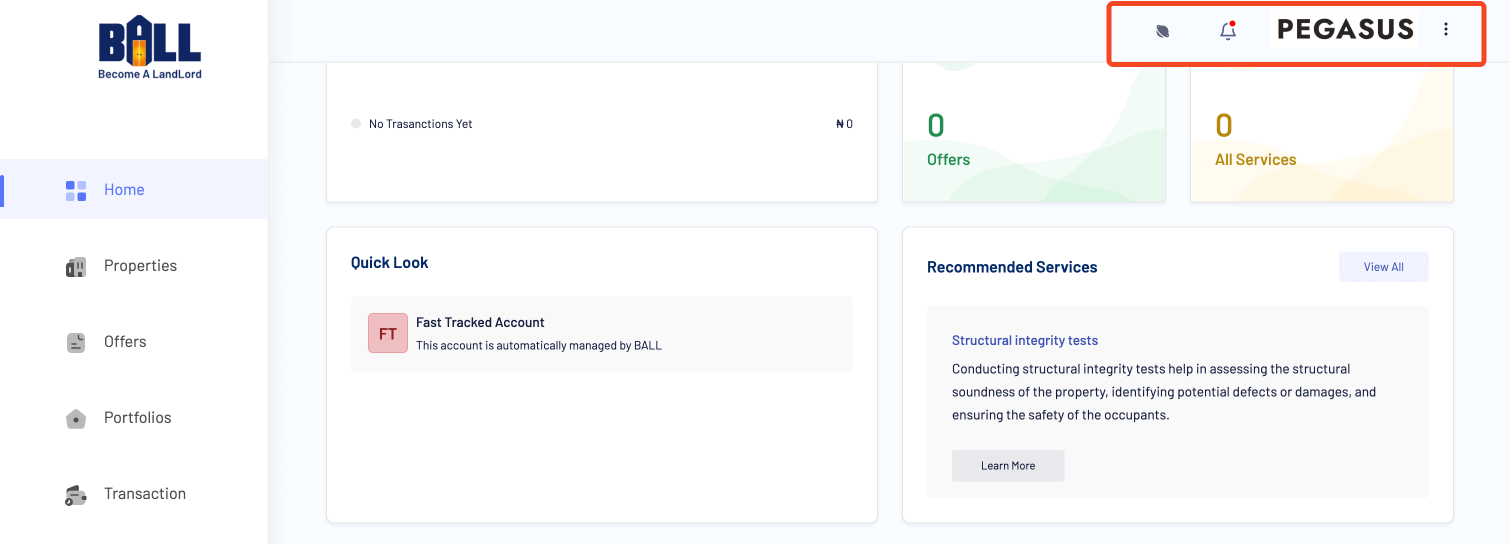
- The Navigation Bar
Familiarize yourself with the navigation bar. It includes essential features like the application tour, notification icon, company logo, and additional menu options.
- Tour the Application
- Notification Icon
- Company Logo
- Additional Menu
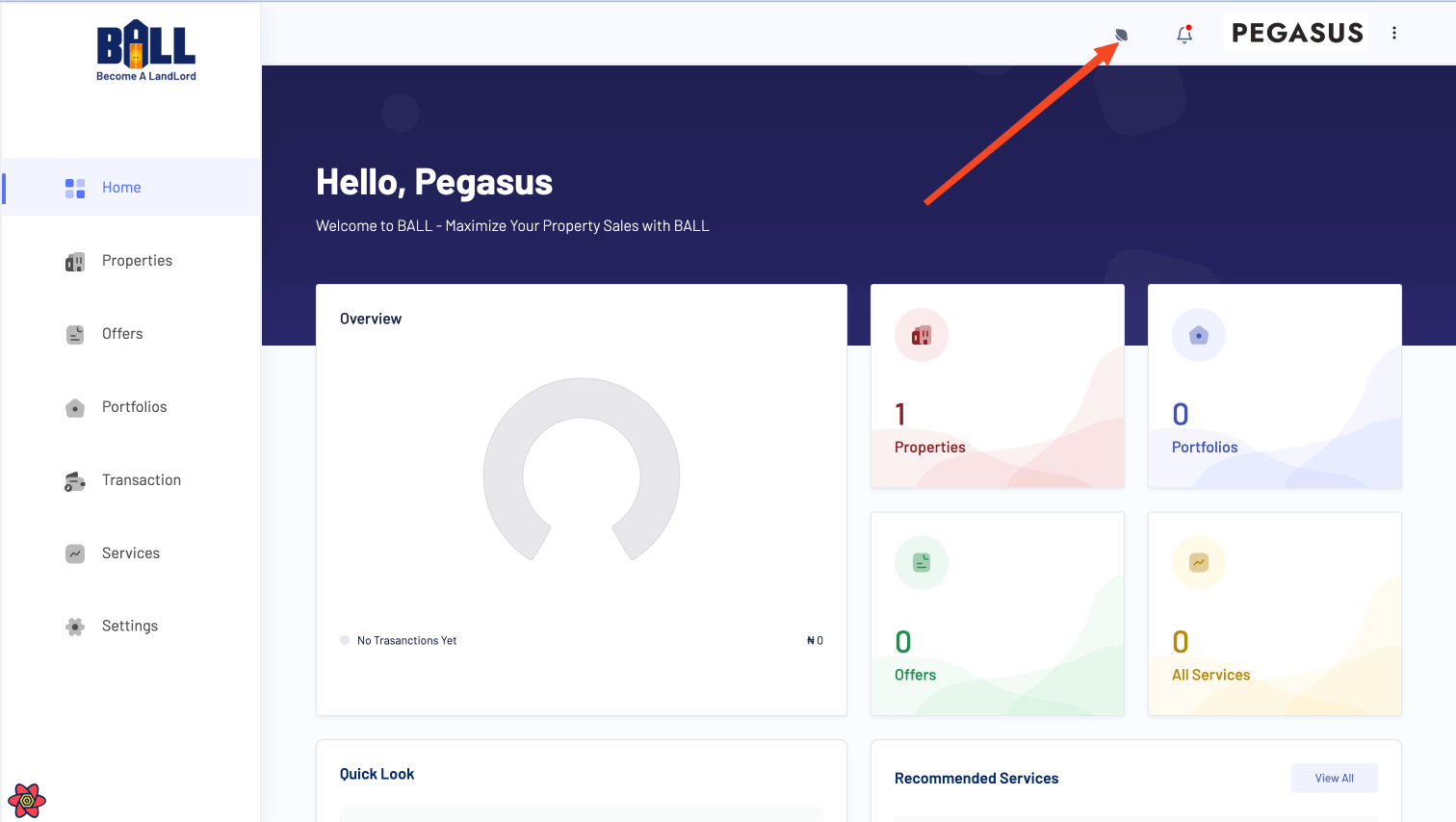
- Tour the Application
Take a quick tour of the application to understand its features and layout.
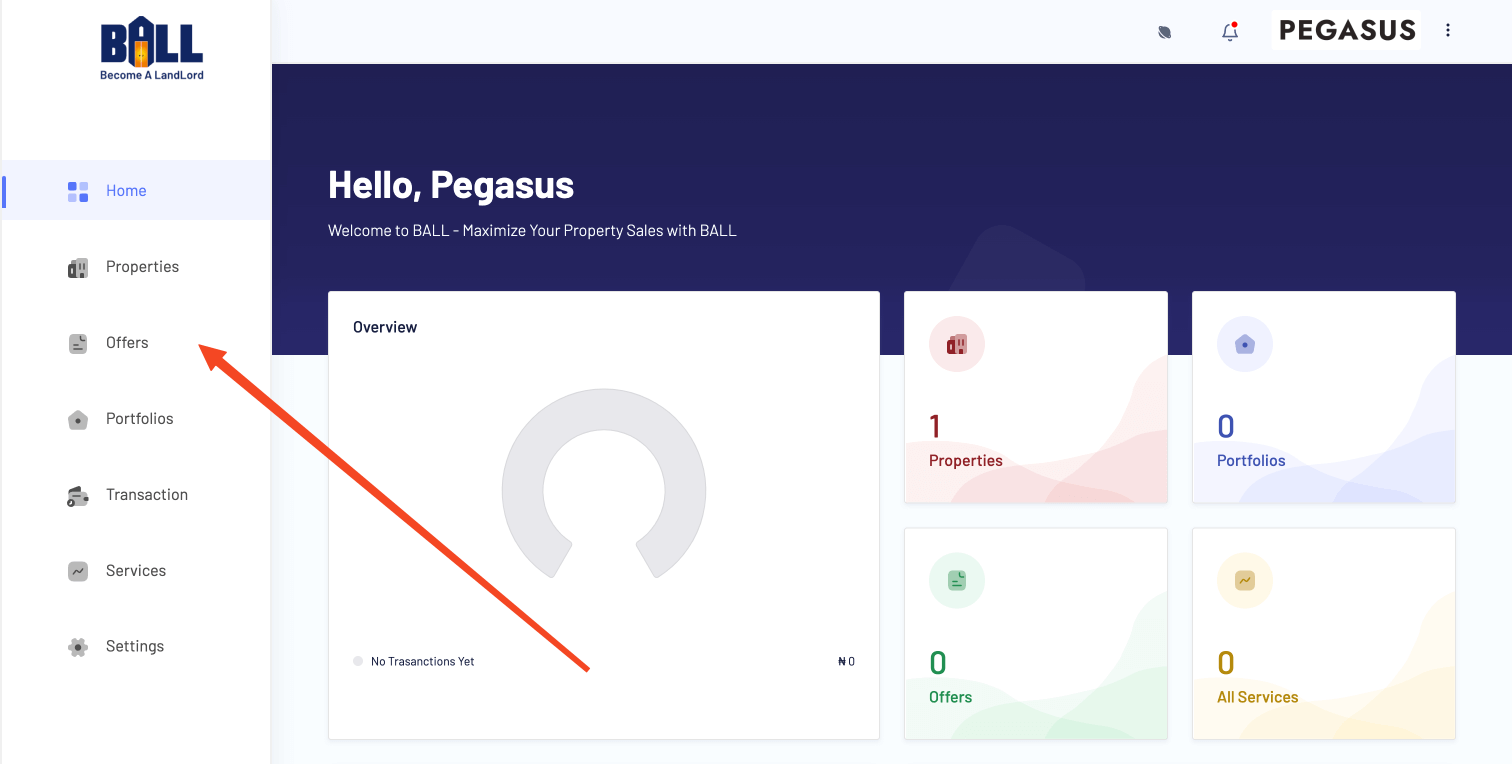
- The SideBar
The sidebar contains links to manage your account, including accessing various sections and features.
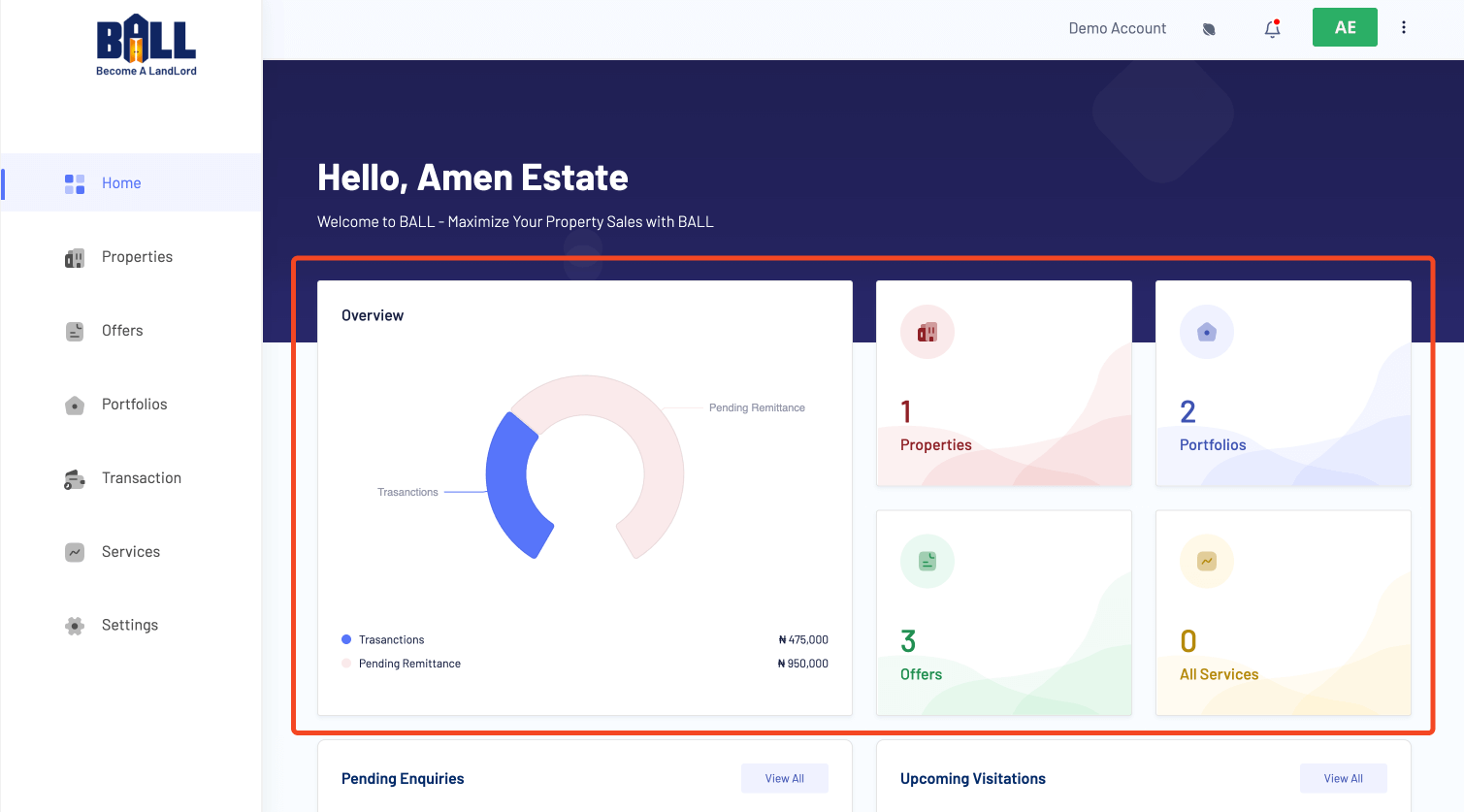
- The Quick Access Cards
The quick access cards provide a snapshot of your account, displaying key information like transactions, properties, services, and more.
- The Notification Cards
Notification cards provide important information and alerts to help you take timely action on your account.
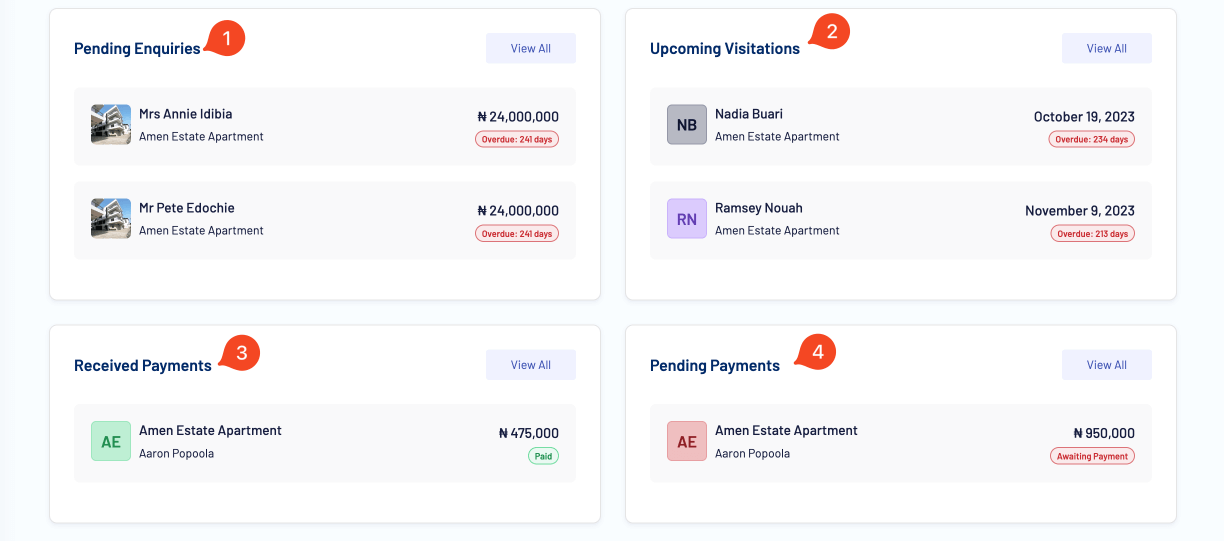
Info: Some of the notification cards might be hidden if they don't have any notifications to display. - Learn About the Page
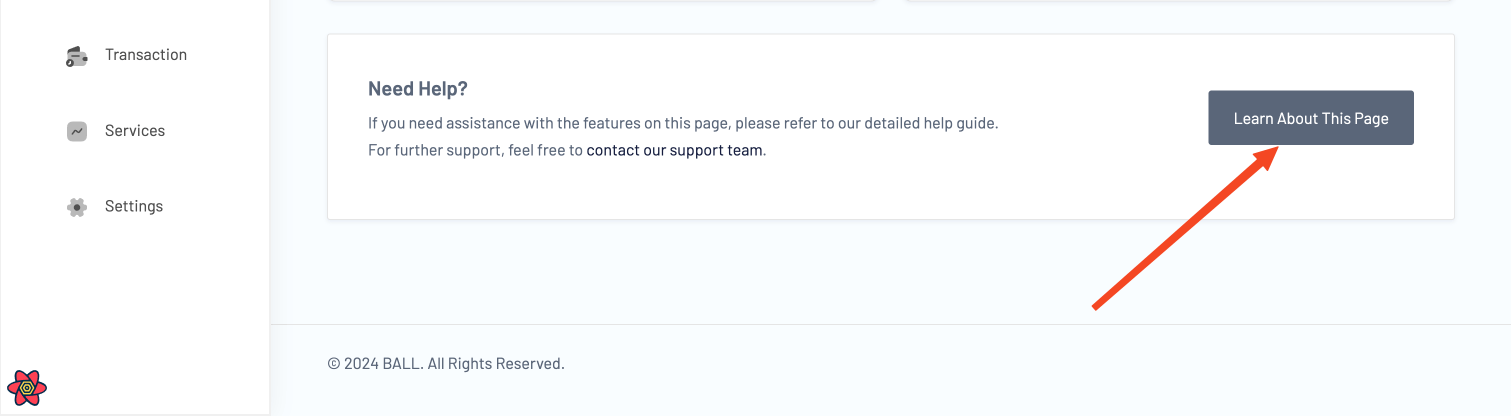
This section provides detailed information about the current page and its functionalities.
Explore your VIP Dashboard to access exclusive features, track progress, and manage your properties with BALL.
BALL Docs covers all features of the platform, including property management, user accounts, VIP services, and support resources. Each page is written to help users complete tasks efficiently & successfully.
Users can find detailed instructions, example scenarios, and guidance on best practices to navigate the BALL platform, make informed decisions, and achieve homeownership goals in Nigeria.
This documentation is designed for homeowners, investors, and platform users seeking step-by-step tutorials, tips, and advice. By following these guides, users can optimize their use of BALL and stay informed about new features & updates.
Whether you are looking to manage your account, explore properties, or access support resources, this documentation provides the insights and instructions needed for a smooth and successful experience.