Sign In to Your BALL Account
Sign In to Your BALL Account
Access your account, profile, properties and rewards by signing in to your BALL account.
- Visit the Login Page
Navigate to the Login Page by clicking the Sign In Link at the top of the Page.
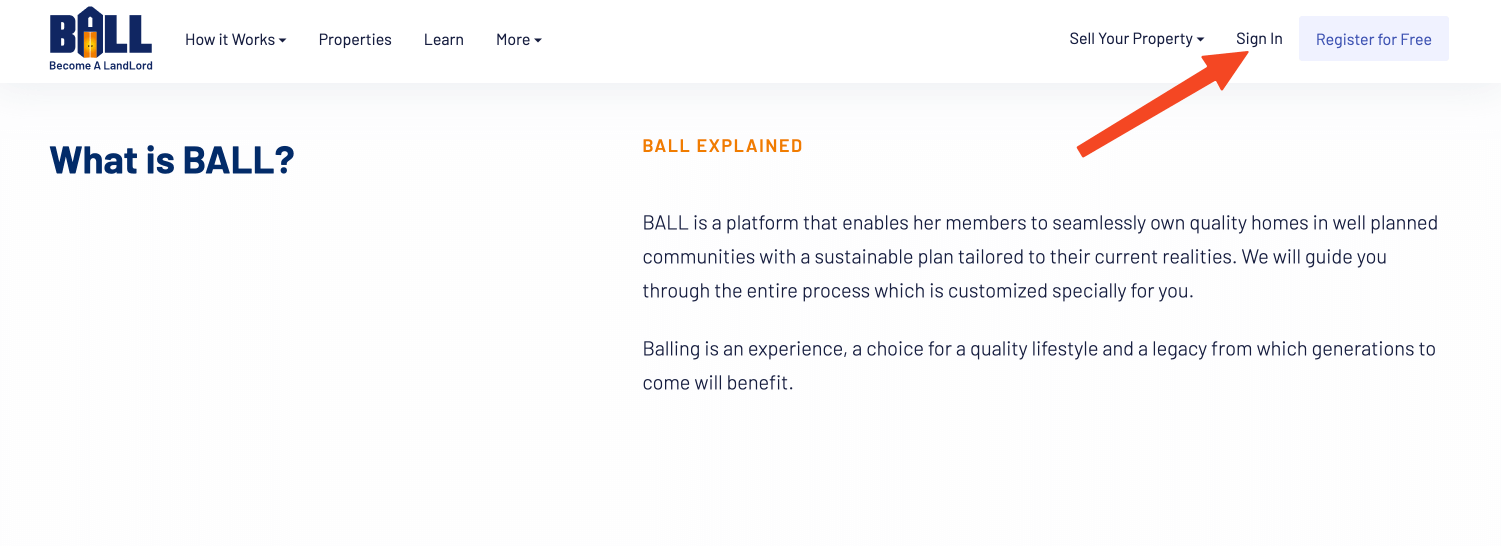
Info: If you are already signed in, you will see your name instead of the Sign In link. - Enter Your Email and Password
On the sign-in page, provide your registered email address and password in the respective fields. If you have forgotten your password, click on the 'Forgot Password' link to reset it.
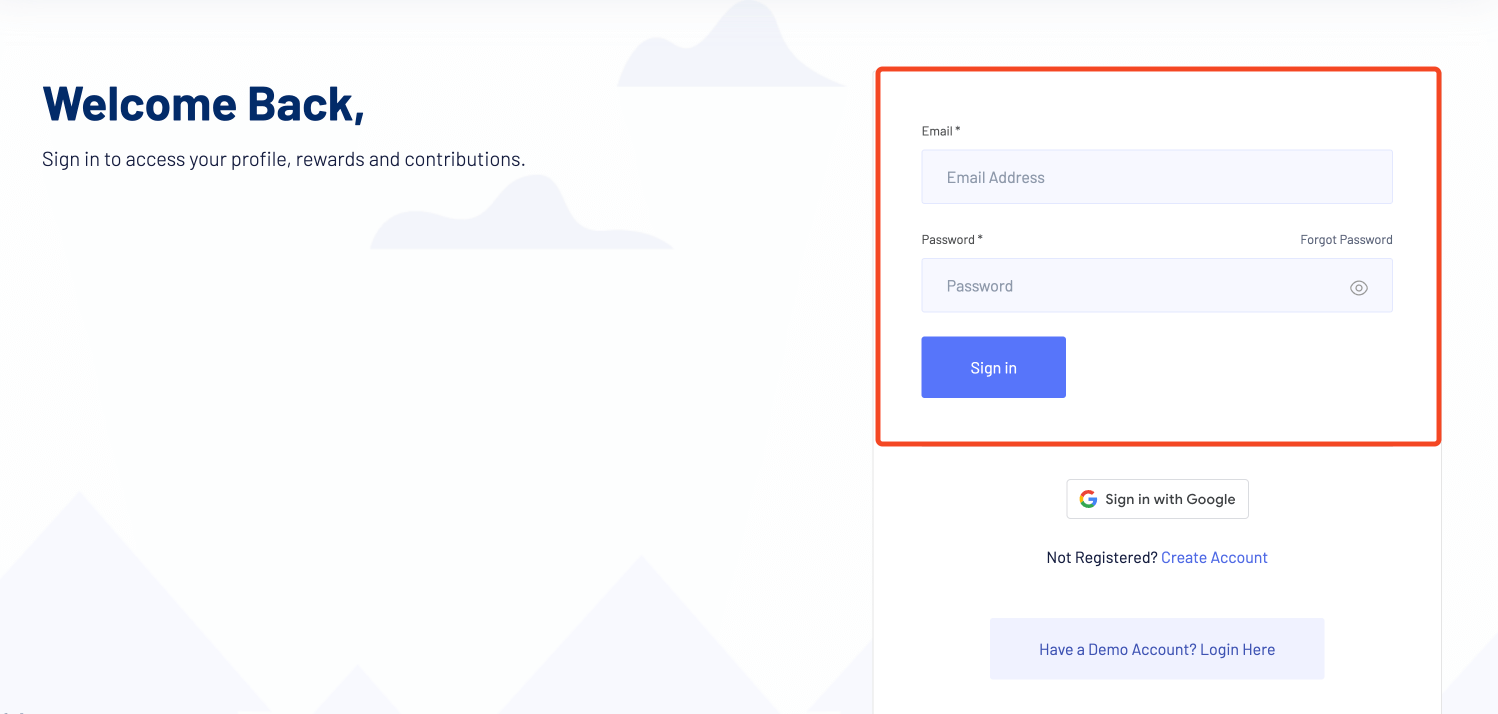
Tip: Click on the icon in the password field to show the password you are typing. This will help you confirm that you are typing the correct password. - Sign In with Google
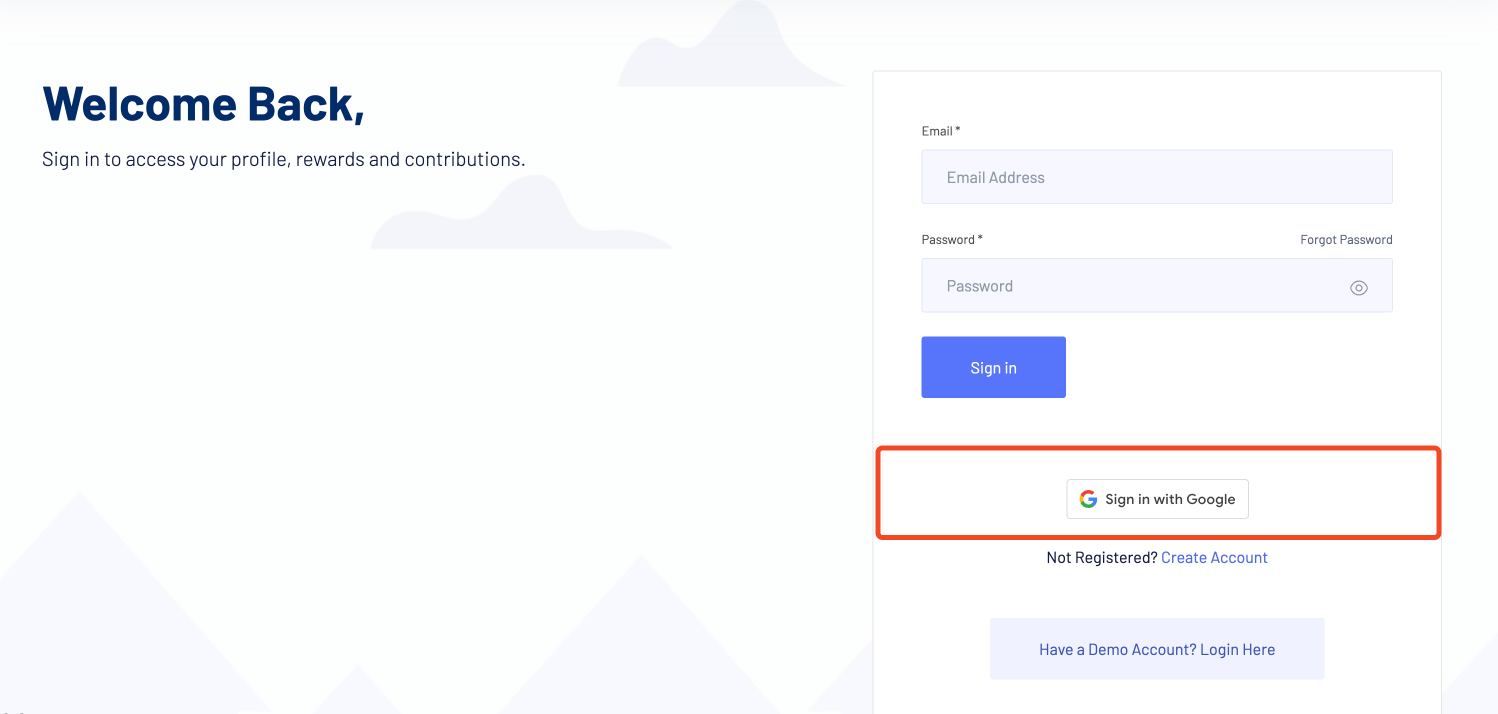
Alternatively, you can sign in using your Google account by clicking the 'Sign in with Google' button. This will redirect you to Google for authentication and then back to BALL.
- Sign In to Demo Account
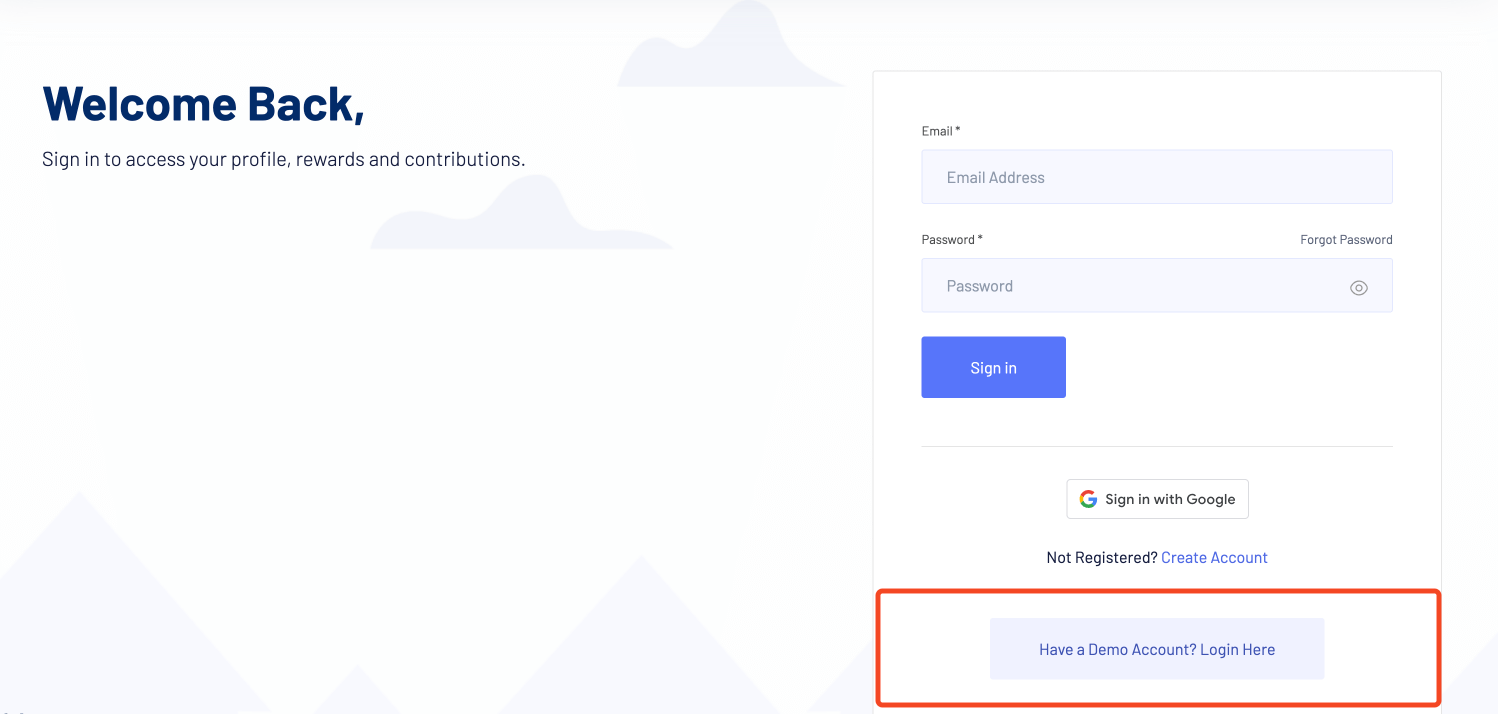
If you have a demo account, click on the 'Have a Demo Account? Login Here' link to sign in with your demo credentials.
- Create a New Account
If you don't have an account yet, click on the 'Not Registered? Create Account' link to sign up and start your journey to homeownership.
Access your account, profile, properties and rewards by signing in to your BALL account.
BALL Docs covers all features of the platform, including property management, user accounts, VIP services, and support resources. Each page is written to help users complete tasks efficiently & successfully.
Users can find detailed instructions, example scenarios, and guidance on best practices to navigate the BALL platform, make informed decisions, and achieve homeownership goals in Nigeria.
This documentation is designed for homeowners, investors, and platform users seeking step-by-step tutorials, tips, and advice. By following these guides, users can optimize their use of BALL and stay informed about new features & updates.
Whether you are looking to manage your account, explore properties, or access support resources, this documentation provides the insights and instructions needed for a smooth and successful experience.